Steam backlog tracker
Your Steam backlog,
finally organized.
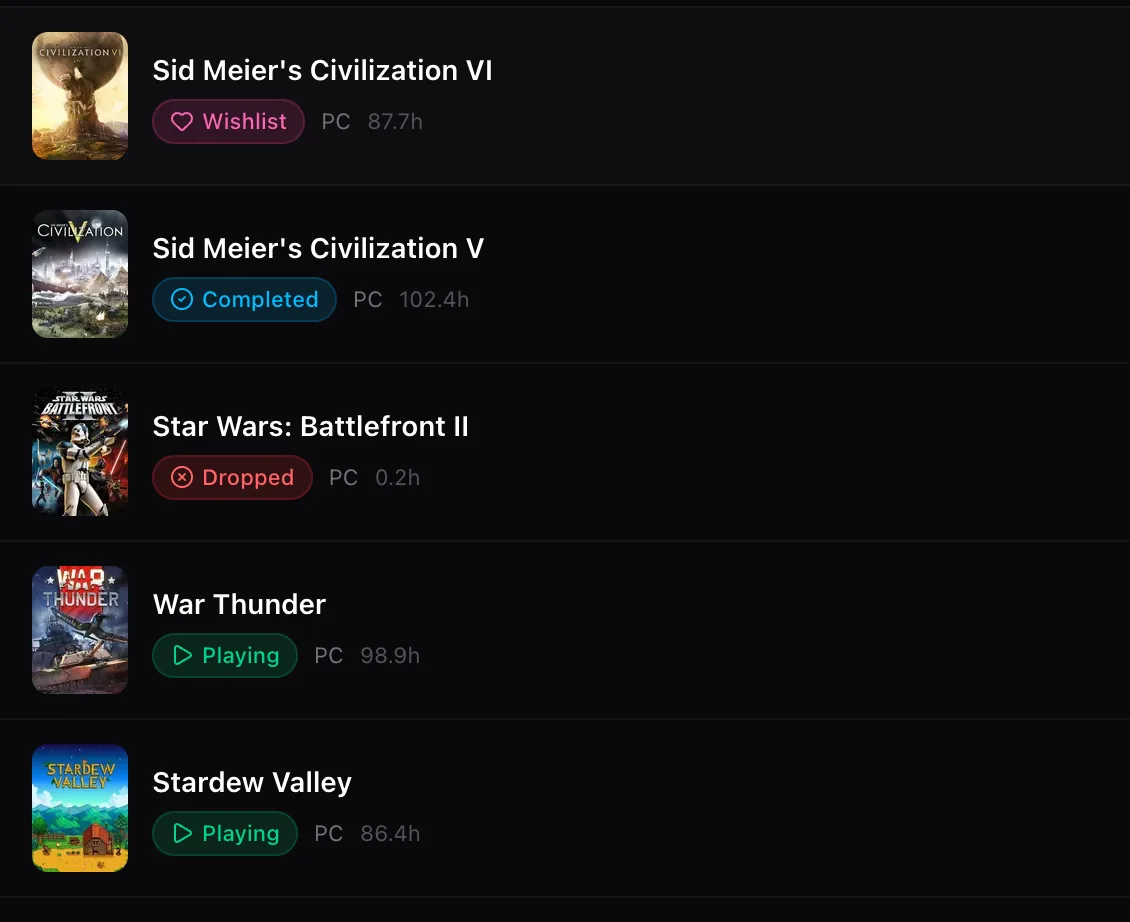
Link Steam once and every game you own arrives with its hours played. Sort the pile into Playing, Completed, Backlog, Dropped, and Wishlist. Free, forever.
How it worksThree steps.
Three steps.
No spreadsheets.
01
Link Steam
One click through the official Steam login. No password ever touches Tsumi.
02
Pick what to import
Preview every matched game with its hours, untick anything you do not want, and confirm.
03
Sort your backlog
Everything lands in your library. Mark what you are playing, what is done, and what you are honestly never going to touch.
What you getEverything a backlog tracker
Everything a backlog tracker
should have done years ago.
- Imports your whole Steam library in seconds
- Hours played synced from Steam, not typed by hand
- Five statuses: Playing, Completed, Backlog, Dropped, Wishlist
- Bulk status changes and bulk delete
- Search, sort, and filter hundreds of games instantly
- Add PlayStation, Xbox, Switch, and mobile games manually
- Ratings and player reviews on every game page
- Works on desktop, tablet, and phone
Wondering how Tsumi compares to what you use today? See the honest breakdown against Backloggd, HowLongToBeat, and a spreadsheet.
FAQQuestions people ask
Questions people ask
before linking Steam.
How does the Steam import work?
You sign in to Steam through its official OpenID login, which never shares your password with Tsumi. We then read your public game list and playtime through the Steam Web API and match each game to its entry in our database.
Does my Steam profile need to be public?
Your game details need to be visible to the Steam API for the import to work. In Steam, open Privacy Settings and set "Game details" to Public. You can set it back to private after importing, but hours will stop syncing.
Do hours played update automatically?
Yes. After the first import, your playtime is refreshed from Steam on a schedule, and you can trigger a manual sync from your library at any time.
Can I track non-Steam games?
Yes. Search any PlayStation, Xbox, Nintendo, or mobile game and add it with a platform and hours played. Everything lives in the same library with the same five statuses.
Is Tsumi free?
Yes. Steam import, hour syncing, unlimited games, and reviews are all free. There is no premium tier and no ads inside your library.
What happens if I unlink Steam?
Your imported games stay in your library exactly as they are. Playtime simply stops syncing until you link Steam again.
Stop guessing what you own.
Link Steam in ten seconds.
Free forever. Your hours, your statuses, one clean library.
Import my Steam library